Mac Coffee
A native macOS menu bar app that prevents idle sleep.
| Wake session | Settings |
|---|---|
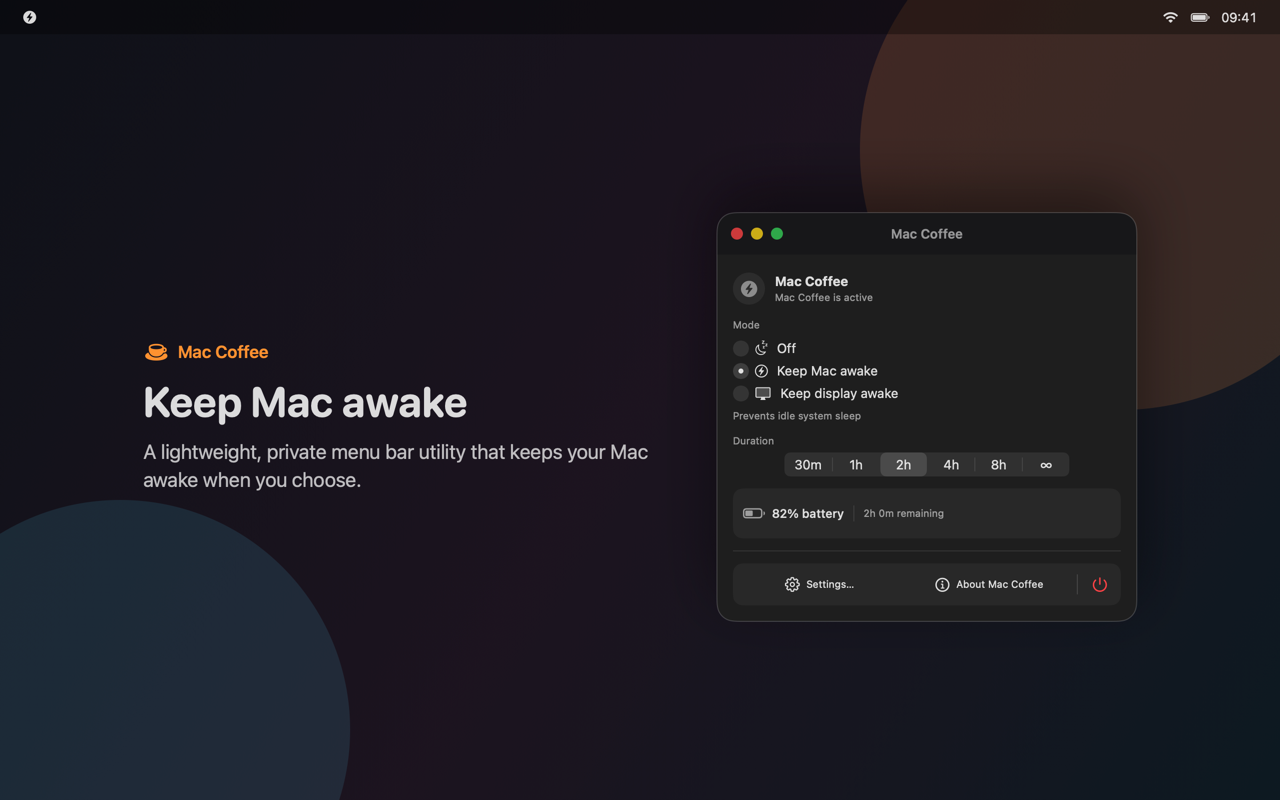 |
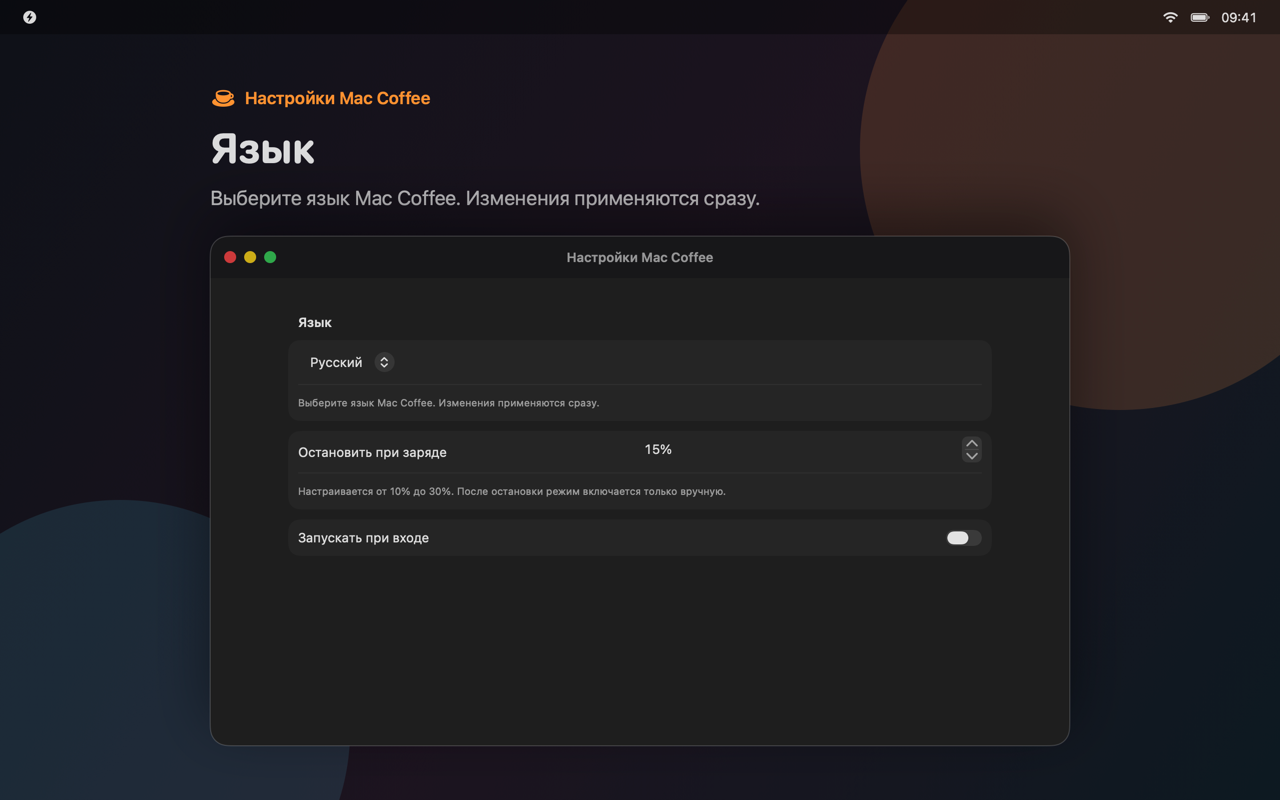 |
Mac Coffee uses process-owned IOKit power assertions. It does not install a privileged helper, change pmset, collect analytics, or use a backend. Assertions are released when a session ends or the app exits.
Project website · All projects by rekurt
Install
Mac Coffee requires macOS 13 Ventura or later.
Homebrew
brew tap rekurt/maccoffee
brew install --cask maccoffee
DMG
Download the signed and notarized DMG from the latest release, open it, and move Mac Coffee to Applications.
Usage
- Open the coffee cup menu bar item.
- Select Keep Mac Awake or Keep Display Awake.
- Select a duration: 30 minutes, 1, 2, 4, or 8 hours, or indefinitely.
- Select Off to end the session.
Settings include a 10–30% battery cutoff, Launch at Login, notifications, update checks, language selection, and MCP configuration. The default battery cutoff is 15%.
The interface is available in English, Russian, German, French, Simplified Chinese, Japanese, Korean, and Spanish. VoiceOver labels are included.
Mac Coffee prevents idle sleep only. Manual sleep, lid closure, shutdown, restart, thermal protection, and other macOS safety mechanisms still apply.
Local MCP server
The Direct build includes an optional stdio MCP server for Codex, Claude Desktop, and other MCP clients. It is disabled by default.
Enable it under Settings → AI & automation, then use the setup wizard to review and install the client configuration. Clients must pair with a running Mac Coffee instance. Credentials are stored in Keychain, and connections are limited to the current macOS user.
Tools:
maccoffee_get_statusmaccoffee_set_sessionmaccoffee_stop_sessionmaccoffee_set_battery_thresholdmaccoffee_set_launch_at_loginmaccoffee_set_language
Resources:
maccoffee://statusmaccoffee://capabilitiesmaccoffee://activity
See MCP setup and security for configuration examples, schemas, and troubleshooting.
Build from source
A source build requires Xcode and the tools listed in the Brewfile.
brew bundle
./scripts/build-local.sh direct
open "dist/local/Mac Coffee.app"
The local build is ad hoc signed and intended for testing on the current Mac.
Run the test suite:
DEVELOPER_DIR=/Applications/Xcode.app/Contents/Developer \
  xcodebuild test \
  -project MacCoffee.xcodeproj \
  -scheme MacCoffeeTests \
  -destination 'platform=macOS' \
  CODE_SIGNING_ALLOWED=NO
Build and verify both distribution variants:
xcodegen generate
./scripts/build-local.sh direct
./scripts/build-local.sh app-store
./scripts/verify-release-assets.sh
./scripts/verify-bundles.sh
XCUITests require an unlocked interactive desktop.
Project structure
| Component | Purpose | Distribution |
|---|---|---|
MacCoffeeCore |
Power assertions, preferences, localization, and shared UI | Direct |
MacCoffeeAppStoreCore |
Store-safe core without MCP symbols | App Store |
MacCoffeeDirect |
Direct app, Sparkle updates, and MCP lifecycle | Direct |
MacCoffeeMCP |
Embedded stdio MCP helper | Direct |
MacCoffeeMCPBroker |
XPC broker between the helper and the running app | Direct |
MacCoffeeAppStore |
Sandboxed App Store app without Sparkle or MCP | App Store |
MacCoffeeScreenshots |
Deterministic App Store screenshot renderer | Development only |
Wake sessions use IOPMAssertionCreateWithName. Battery changes come from IOPowerSources notifications rather than polling.
Detailed documentation:
Release
Create a signed and notarized Direct release:
./scripts/release-direct.sh
The script requires a Developer ID certificate, notarization credentials, an HTTPS appcast URL, and a Sparkle EdDSA public key.
Create an App Store archive:
MACCOFFEE_APP_STORE_TEAM=YOUR_TEAM_ID ./scripts/archive-app-store.sh
The App Store build does not contain Sparkle, the MCP helper, or the MCP broker. See the release checklist before publishing a build.
App Store screenshots are generated from production SwiftUI views:
./scripts/generate-screenshots.sh
Privacy and security
Mac Coffee does not collect personal data. The Direct build connects only to the configured Sparkle appcast for update checks. MCP traffic stays on the local Mac and its activity log is kept in memory with a fixed size limit.
Report vulnerabilities using the security policy. Use GitHub Issues for bugs and support requests.
Upgrading from 1.x
Version 2.0 does not install or call the privileged helper used by 1.x. If an older version was installed, follow the legacy cleanup guide. Cleanup requires explicit administrator approval and never runs automatically.
Contributing
See Contributing and the Code of Conduct.
Mac Coffee is licensed under the MIT License.
Forked from Elliotwu-7/Mac-Coffee.